Live demo · React · Node.js · Socket.io · MongoDB
DineFlow POS
A multi-tenant restaurant POS: floor plan, kitchen order tickets, billing, inventory, and staff roles, running as a public demo.
- Interface
- React 19 · Vite · Electron desktop client
- API
- Node.js · Express · Socket.io · JWT · bcrypt
- Data
- MongoDB · Mongoose
- Hosting
- Docker · Caddy · Push-to-deploy
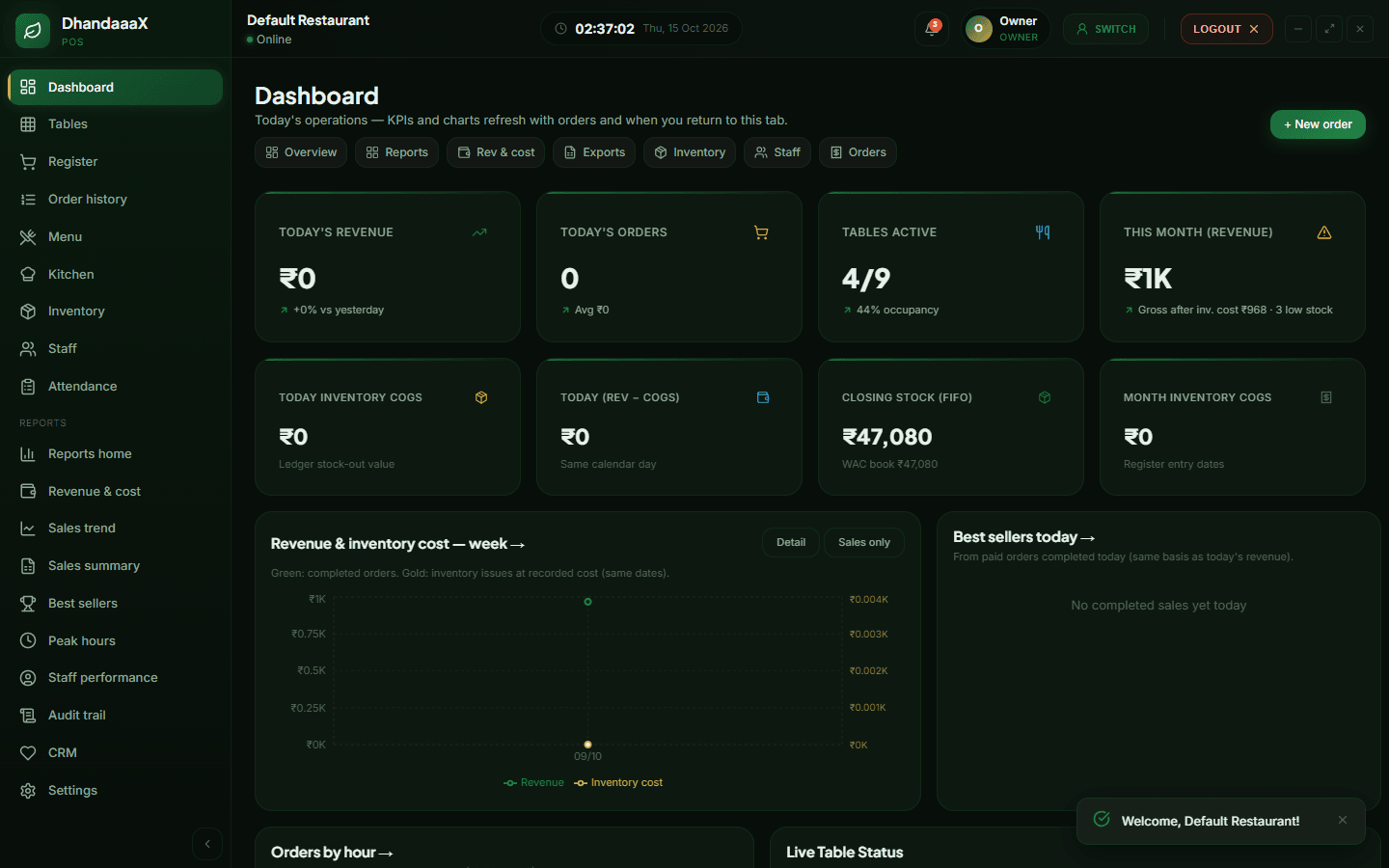
Overview
DineFlow is a restaurant point of sale WebSuprime built end to end. A Node.js and Express API on MongoDB serves every restaurant from one deployment. The React interface runs in the browser and as an Electron desktop app at the counter, and the kitchen screen updates live over Socket.io. The source repository is private. The live demo and the demo guide are public.
Problem
A restaurant floor needs one system for the counter, the tables, and the kitchen. Orders have to reach the kitchen as they are placed, the bill has to match what was served, and each staff role needs access that fits its station. DineFlow also serves more than one restaurant from the same API, so every request has to stay inside its own restaurant’s data.
What we built
We own the product end to end: the data model, the API, the interface, the tests, and the deployment.
- Designed the MongoDB data model: restaurants, staff, tables, menu, orders with kitchen batches, inventory with a stock ledger, attendance, customers, and an audit log.
- Built the Express API, with JWT sessions for owners and staff and a permission check on every domain route.
- Built the React interface, packaged with Electron for the counter, and shipped the same build as the browser demo.
- Wrote API test suites that run the full order flow, from opening a check to payment, against the live server.
- Deployed the API and the web build with Docker behind Caddy, on a server that redeploys on every push to main.
Data model
- model the data
- relate it
- write the order
- send to the kitchen
How an order moves
Open a check
A captain picks a table on the floor plan. Opening the check creates the order and marks the table occupied, so two people cannot seat the same table.
Send to the kitchen
Each send creates a kitchen order ticket (KOT) for the items not yet sent. A second round for the same table goes out as its own ticket instead of repeating the first.
Cook and serve
The kitchen screen receives tickets live over Socket.io. Cooks mark each item served, and the floor sees the change without a refresh.
Bill and close
The cashier takes payment from the register. Payment closes the order and frees the table. A second payment on an order that is already paid is rejected.
Features
- Floor plan with live table status
- Kitchen order tickets sent in batches
- Live kitchen screen over Socket.io
- Register and payment that frees the table
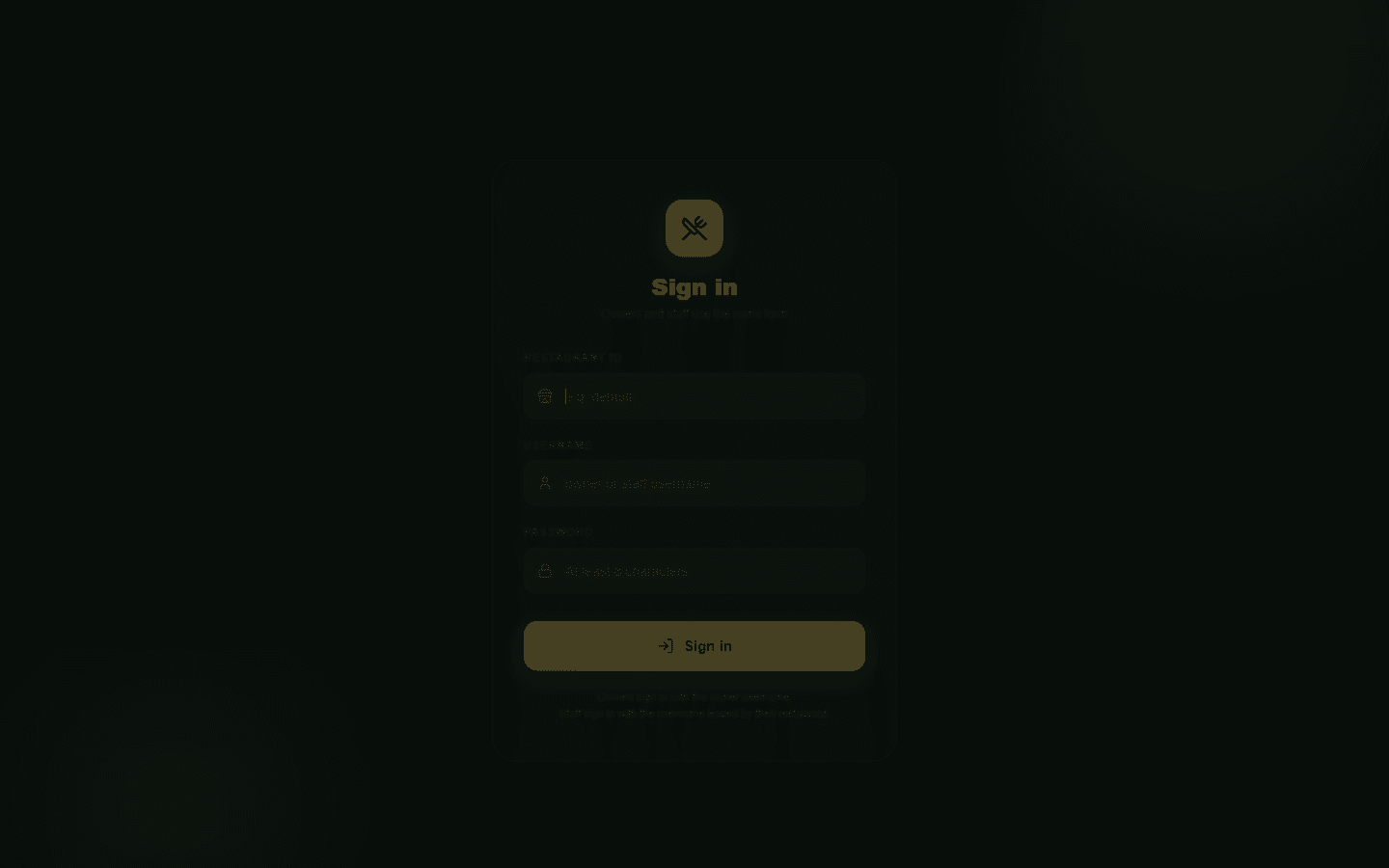
- One sign-in screen for owners and staff
- Roles for owner, admin, manager, captain, and cashier
- Separate data for each restaurant on one API
- Menu, inventory, attendance, customers, and reports
- QR menu for guests
Problems we solved
Two writes to one order
Sending a ticket to the kitchen and the register’s autosave could write the same order at the same moment, and MongoDB rejected the second write as a version conflict. The fix reloads and retries the save, keeps the sent-to-kitchen count from ever going backwards, and pauses autosave while a ticket is in flight.
Permissions on the server, not only the menu
Hiding a module in the sidebar is not access control. A test showed that a cashier’s token could still read the staff, inventory, and reports APIs. Every domain route now checks the role’s permissions on the server and returns 403 when the role does not have them.
The restaurant comes from the token
An early build trusted a restaurant ID sent in a request header. Protected routes now read the restaurant from the signed session only, so changing a header no longer reaches another restaurant’s records through the API.
One login for owners and staff
Owners and staff had separate sign-in screens whose fields meant different things, and staff kept typing the wrong ID. A single screen now takes the restaurant ID and a username, and the username decides whether the session is an owner or a staff member. Signing in on one clears the other, so a shared tablet never keeps an owner session.
Result
- A 117-check API audit run against the production server, passing in full in August 2026.
- Server-side permission checks on every domain route, covered by the test suites.
- A public demo with owner and staff logins, and a step-by-step demo guide.
- One React build that runs at the counter as a desktop app and in the browser.
Demo logins
The demo is open. Sign in at dineflow.websuprime.com with any of these.
| Who | Restaurant ID | Username | Password |
|---|---|---|---|
| Owner | default | owner | owner1234 |
| Admin | default | admin | admin1234 |
| Cashier | default | ravi.cashier | cashier1234 |
| Captain | default | priya.captain | captain1234 |
More screens
More work
Other systems you can check.
Public GitHub
Royal Wow Meal & Bar
Restaurant and bar platform: menus, checkout, reservations, events, coupons, and an admin dashboard with analytics.
TypeScript · React · Fastify · MongoDB
Read the case study →